


News Keyline USA
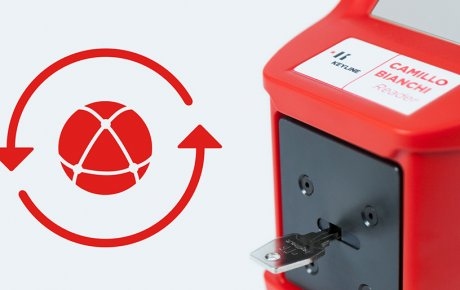
New update for Camillo Bianchi Reader!
Now the Keyline profile identification also speaks Portuguese and is equipped with two new databases including the profiles most used in Sweden and Belgium. Install the update in an easy and intuitive way: connect your Camillo Bianchi Reader to an LAN network, then from the main menu enter in SETUP, select UPDATE and then KEYONLINE. Click on Yes and wait until the update is complete.
Other recommended news

Other recommended events